

Tree in the way of your view? When using the Google Earth 3D Buildings, you often get very bushy trees that block the view in an unrealistic way. Sometimes you even get buildings that are not there anymore. Now there's a new option.
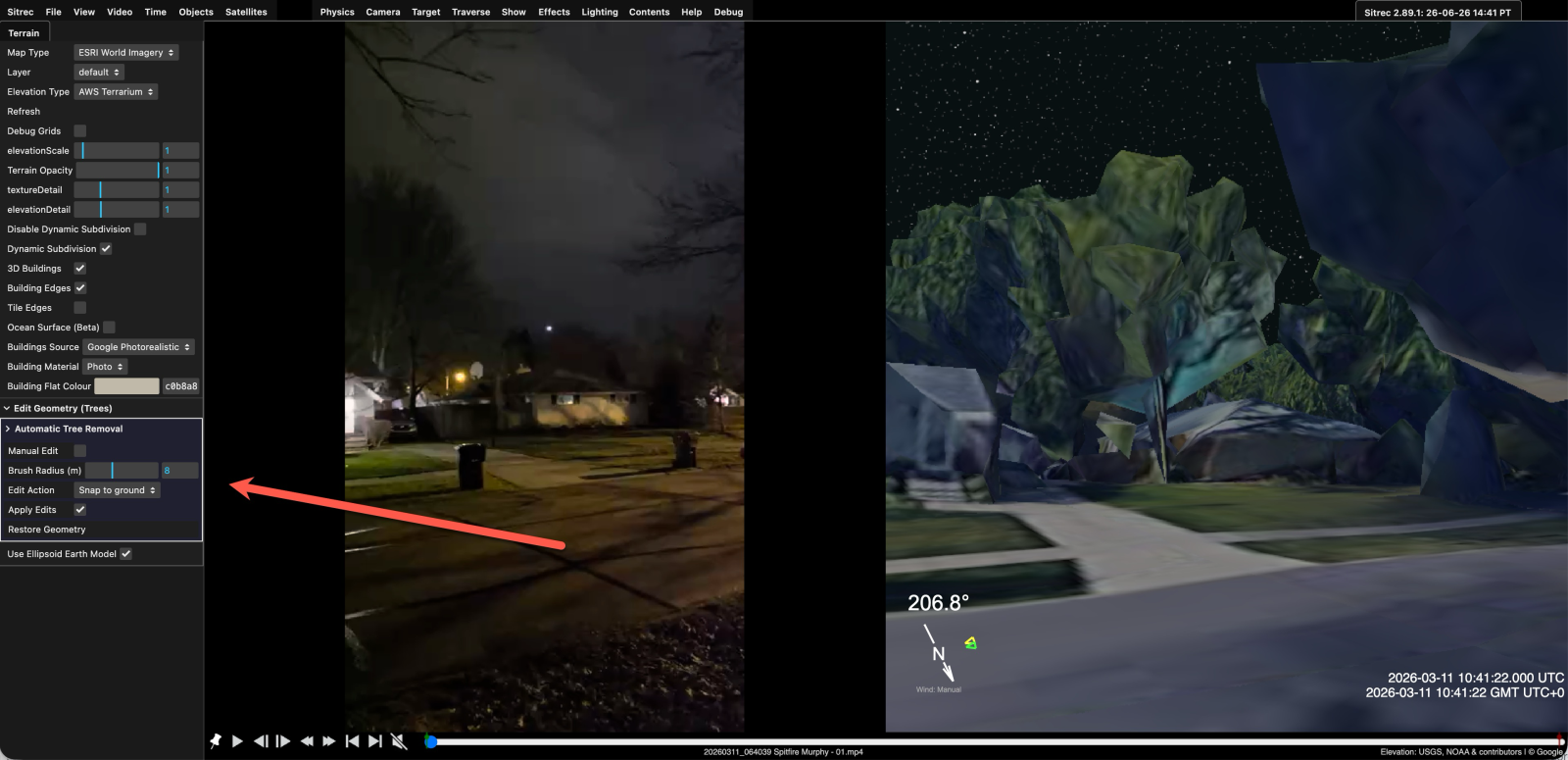
The "Automatic Tree Removal" does not work very well, so you probably want to use "Manual Edit", select it, and any geometrey behind the mouse will be highlighted in wireframe and you can click to remove it.
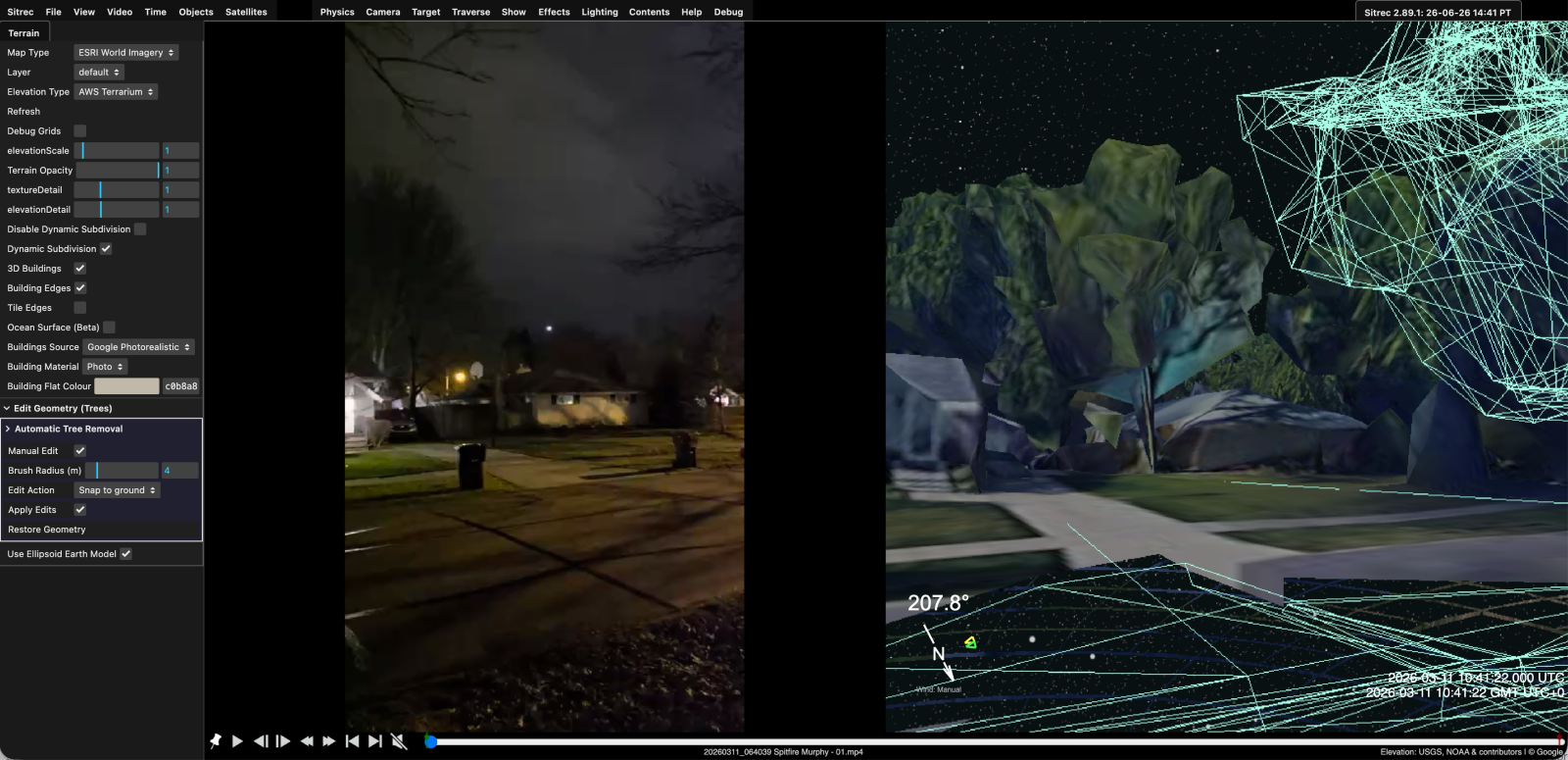
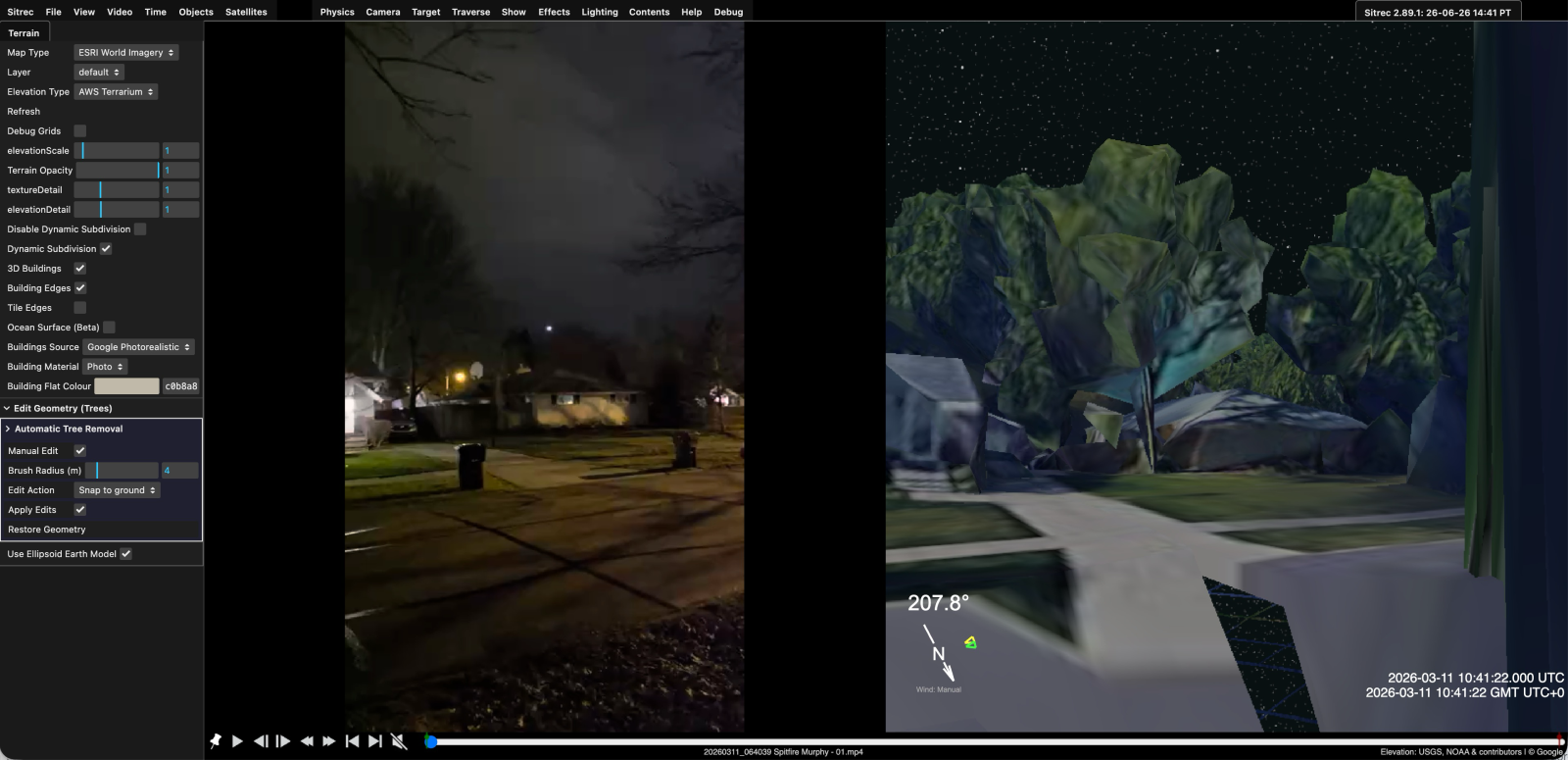
This can be a bit fiddly, as there's no easy way to distinguish between trees and buildings (that's what "Automatic tree removal" tries to do). Click "Restore Geometry to undo everything.
You might also want to try doing it from different camera angles, like from above, and adjusting the "Brush Radius" for finer control.
The "Automatic Tree Removal" does not work very well, so you probably want to use "Manual Edit", select it, and any geometrey behind the mouse will be highlighted in wireframe and you can click to remove it.
This can be a bit fiddly, as there's no easy way to distinguish between trees and buildings (that's what "Automatic tree removal" tries to do). Click "Restore Geometry to undo everything.
You might also want to try doing it from different camera angles, like from above, and adjusting the "Brush Radius" for finer control.
Last edited:


