

jarlrmai
Senior Member.
Obtain the NUFORC link eg:
https://nuforc.org/sighting/?id=194812
Open in Firefox
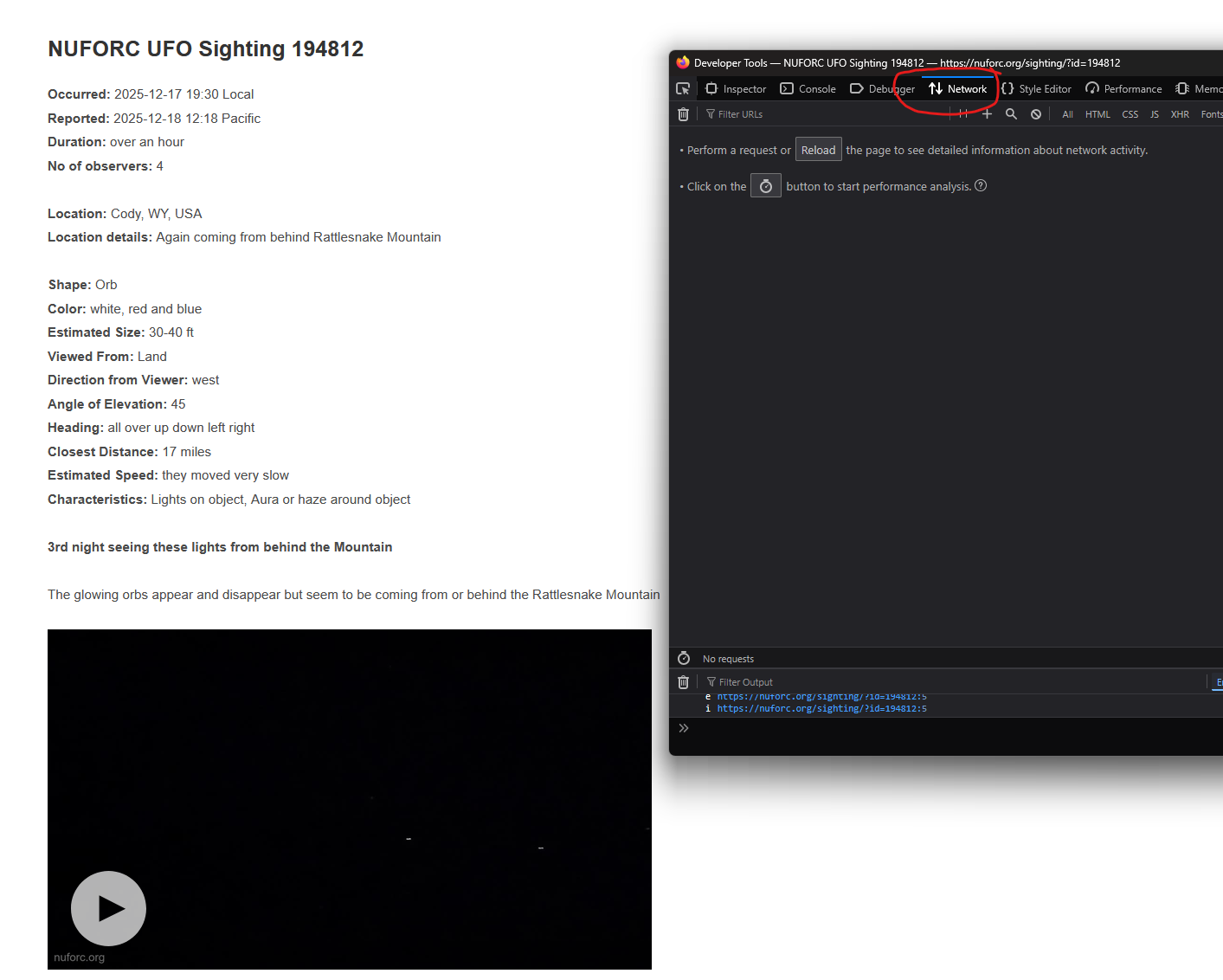
Press F12 for the developer view
Switch to the Network tab
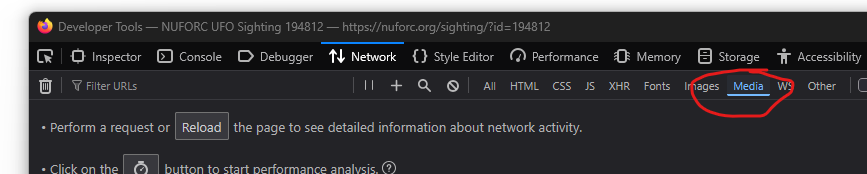
Filter by Media
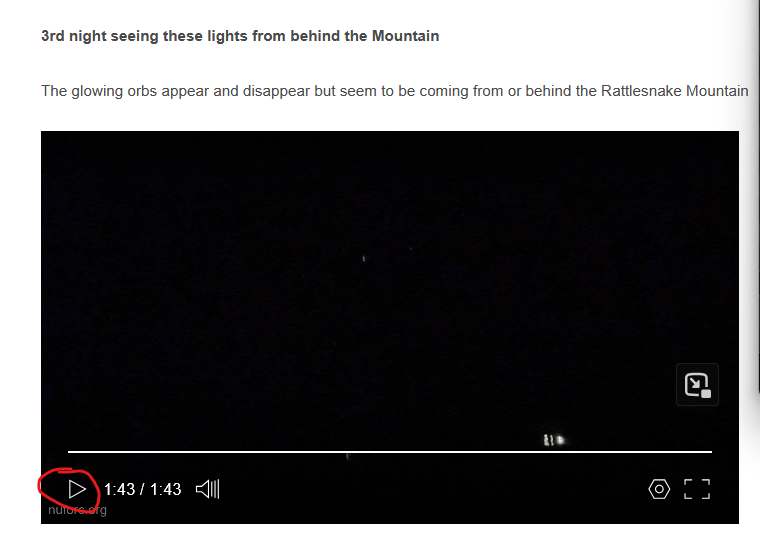
Press play on the video you want
This will then start to show the media links in the developer view, the media links will repeat they are chunked but each will reference the source
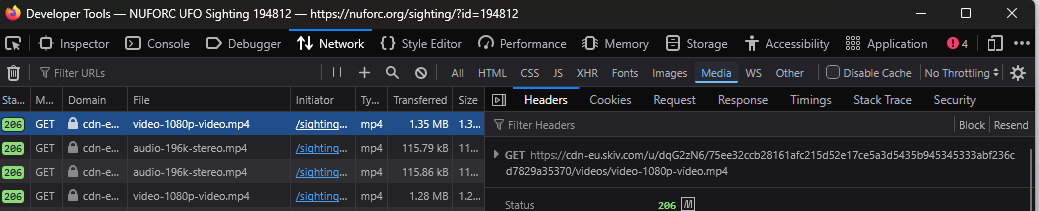
The backend streaming service splits the audio stream so if you want the audio then you need to download it separately and remux later
Double clicking on the GET link (under Filter Headers) will open it and download it (depending on your browser settings)
No metadata will be present and the files are watermarked and so have been re-encoded, but these will be best quality available for a NUFORC sighting.
https://nuforc.org/sighting/?id=194812
Open in Firefox
Press F12 for the developer view
Switch to the Network tab
Filter by Media
Press play on the video you want
This will then start to show the media links in the developer view, the media links will repeat they are chunked but each will reference the source
The backend streaming service splits the audio stream so if you want the audio then you need to download it separately and remux later
Double clicking on the GET link (under Filter Headers) will open it and download it (depending on your browser settings)
No metadata will be present and the files are watermarked and so have been re-encoded, but these will be best quality available for a NUFORC sighting.


